Umniah Check Coverage Viewer
I. How to check coverage?
1. Find your target location by search tools to check the coverage.
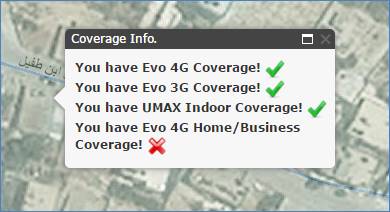
2. Simply click on the map to view a popup information window which contains the available coverage as below.
II. Main Screen:
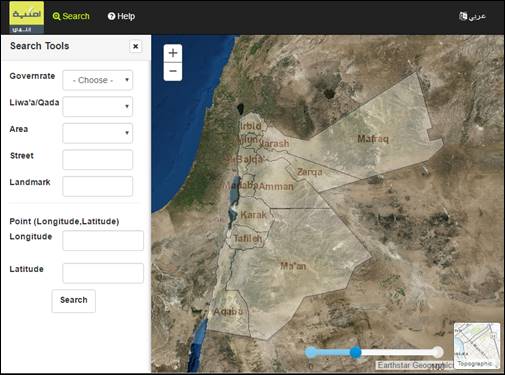
Title bar:

1- Search: To show or hide the search tools on the left side of the viewer.
2- Help: To show this help page.
3- Change Viewer Language:
- Click to Change the language to Arabic language.
Searching Tools
1. Select your governorate from the dropdown list.
2. Select your area from the dropdown list. (optionally)
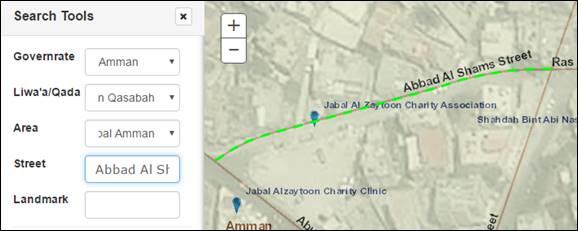
3. Type your street name or nearest landmark then you can select it from the dropdown list.
4. The selected street or landmark will be highlighted as bellow.
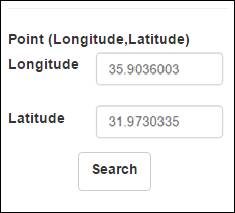
Zoom to point.
1. Enter the X and Y values.
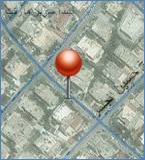
2. Click on ‘Search’ button, so the result will highlighted as below.
Map Tools:
1. Change Base Map.
Click on the below icon in order to switch base map from ‘Topography’ to ‘Imagery‘

2. Change Opacity Slider.
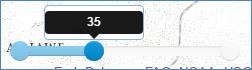
Click and hold slider to change transparency in the governorate layer as below.